
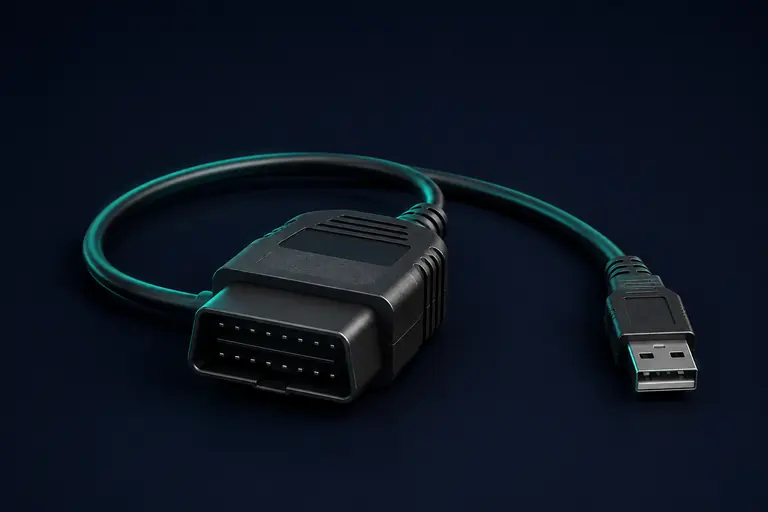
01Android beta
Start at the vehicle.
The Android interface brings ECU identification and fault information into one place. Compatibility must be validated for the selected ECU and cable.
See the beta interfaceBMW diagnostics · Android beta
Understand your BMW with the MobileECU Android diagnostics beta and a companion ECU Portal for exported files and recorded CSV logs.

Where we are today
Android diagnostics is in beta. Vehicle and cable support still need validation.
No vehicle-validated live-data profiles are available yet. The Portal works with existing files and saved CSV logs; your browser does not connect directly to a vehicle.
The core workflow
From a diagnostic question to a saved session, keep the information together and its source clear.
The Android interface brings ECU identification and fault information into one place. Compatibility must be validated for the selected ECU and cable.
See the beta interfaceMeasurement channels need software-specific validation before live acquisition can be enabled. Unavailable readings stay unavailable.
Bring an existing CSV log into your workspace for review. Keep the original capture alongside your analysis and account history.
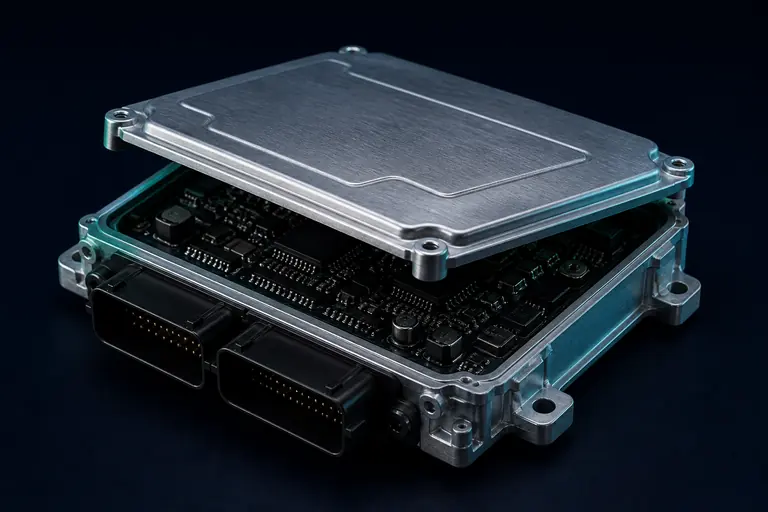
Sign in from desktop or mobile to work with exported ECU files and return to previous work. Account access is reviewed before activation.
Sign in to your workspaceWorkshop to pocket
A focused Android interface for your vehicle, diagnostics, live data and session library.
The Android beta is shared privately. Contact us about testing and compatibility.
Ask about the beta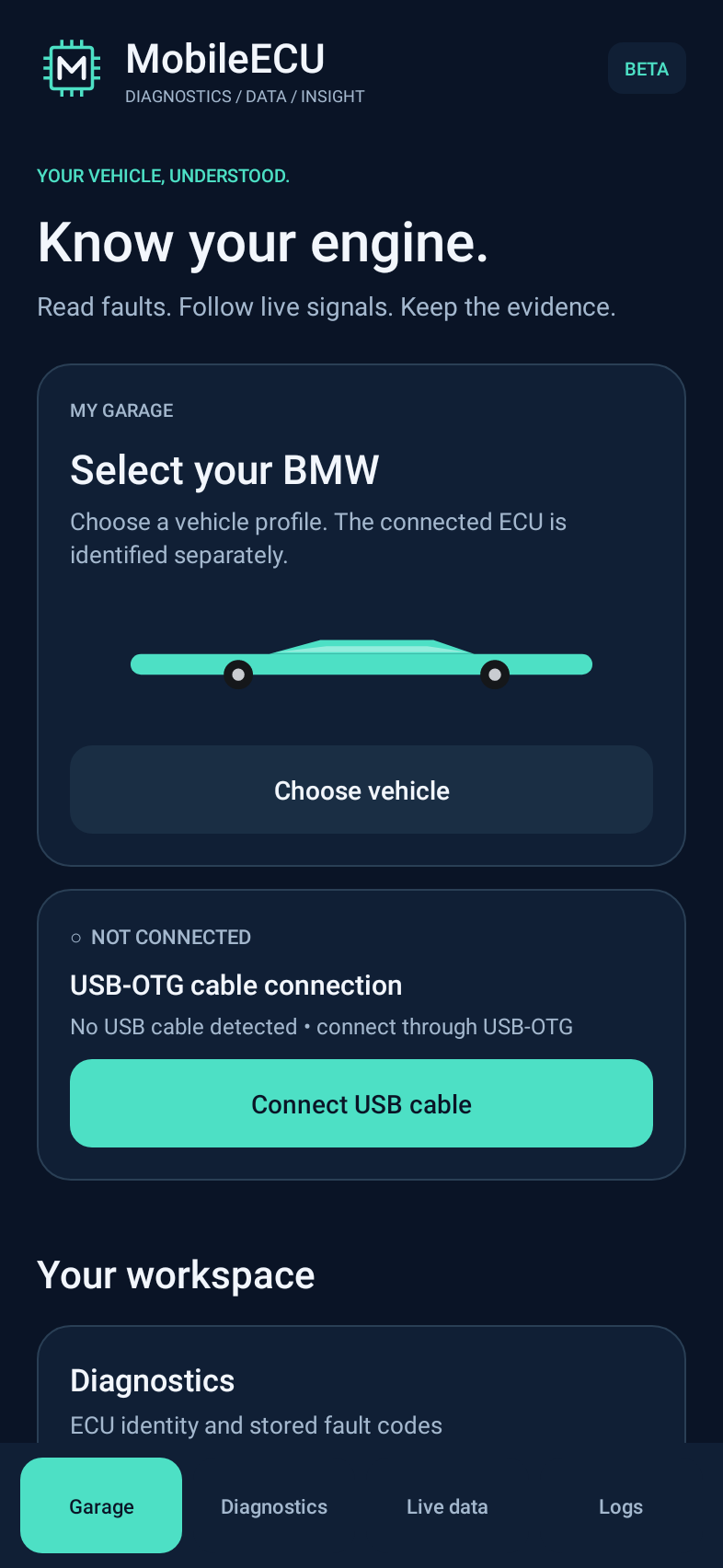
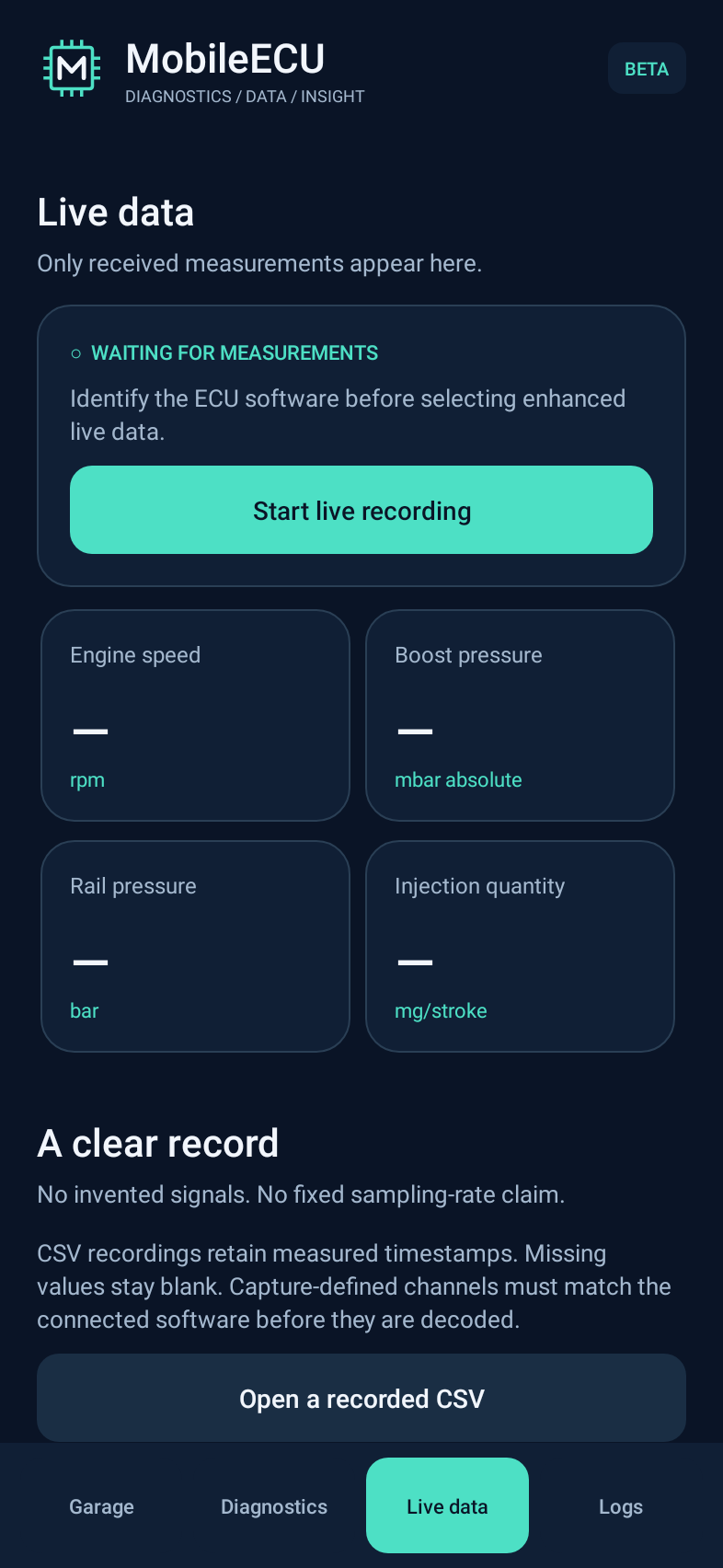
Actual beta interface, rendered without a connected vehicle.
The MobileECU Portal
A browser-based workspace for existing ECU files and saved diagnostic logs. Use it from a laptop or phone, without installing the Android beta.
Go straight to loginNew here? Request an account from the sign-in page. Accounts are reviewed before activation.
Use your Portal account to access your files and saved work.
Work with an exported ECU image or a recorded diagnostic session. Your browser does not read or flash the vehicle.
Check the analysis and its limitations, retain the original source, and return to the same workspace later. File recognition is not proof that a modification is safe for a vehicle.
Before you start
No. This public site explains the product, and the companion Portal handles existing files and logs. Physical vehicle communication belongs in the Android application.
The Android project focuses on BMW ECU workflows. Compatibility depends on the ECU, software version and interface, and still requires hardware validation. Contact us with those details before planning a test.
There are no vehicle-validated live-data profiles available yet. The beta interface is in place, and channel profiles remain under validation. Existing CSV logs can be reviewed separately.
Open the Portal to sign in or request an account. Account requests are reviewed before activation. Android beta access is handled privately through the contact below.
Let's look at your workflow
Questions about the Portal, beta testing or compatibility? Include your vehicle, ECU and interface details.